CBR, VBR, and ABR in MP3 Files Explained
Understand constant, variable, and average bitrate, including how each mode affects file size estimates, quality, and playback information.
At a glance
CBR uses a fixed bitrate, VBR lets it vary with the audio, and ABR works toward a target average. The right choice depends on compatibility and how closely you need to predict file size. Mode alone does not establish recording quality.
In this guide
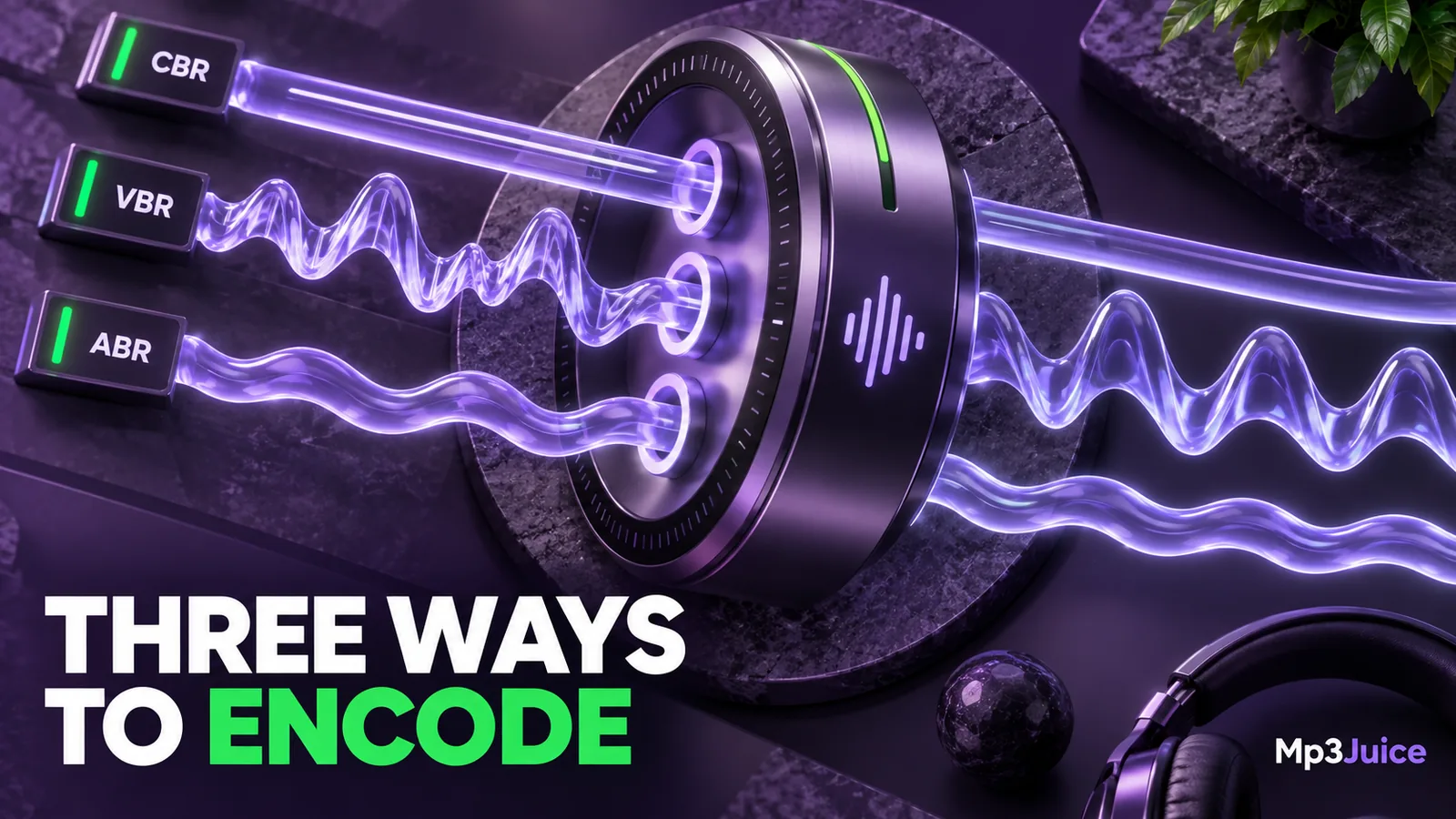
CBR, VBR, and ABR describe how an MP3 encoder distributes its data budget. Constant bitrate uses a fixed nominal rate. Variable bitrate lets the rate change with the material. Average bitrate permits variation while aiming for a selected average across the recording.
All three can produce ordinary MP3 files. They do not identify different music genres, file extensions, or levels of permission. Their practical differences concern predictability, encoding choices, and how some players report information.
Constant bitrate makes size easier to predict
With CBR, a selected bitrate applies throughout the audio stream at the frame level. The encoder still makes decisions about the sound, but it works within a fixed rate rather than freely choosing a different budget for each passage. Quiet and busy sections therefore receive the same nominal data rate.
That predictability is useful when estimating storage. A five-minute recording encoded at 192 kbps contains about 7.2 MB of audio data before tags and artwork. You can repeat the calculation for a longer recording without knowing whether it contains silence, speech, or dense music.
Predictable size does not mean every second sounds equally transparent. A difficult passage can need more information than a simple one. At a constrained rate, the encoder must make different compromises within the same budget. The broader bitrate and quality guide explains why rate alone cannot guarantee what you hear.
Variable bitrate responds to the material
VBR generally aims at an encoding quality setting and changes the rate as the signal demands. A sparse passage can need fewer bits than an energetic section with overlapping instruments. This flexibility can make efficient use of storage for a chosen level of quality.
The resulting average is not fixed in advance. Two songs encoded with the same VBR preset can have different average bitrates and file sizes. Even recordings of the same duration can differ because their audio content differs.
Imagine two personal recordings, each ten minutes long. One contains a single speaker in a quiet room. The other contains an instrumental rehearsal. A VBR encoder may allocate a different amount of data to each. The unequal sizes are not, by themselves, evidence that the smaller file is incomplete.
Presets also depend on the encoder. A setting called “high quality” in one application does not establish an exact equivalence with another application's similarly named option. Record the encoder and preset when you want a workflow that can be repeated.
Average bitrate aims at an overall budget
ABR sits between a fixed-rate approach and a quality-targeted variable-rate approach. It lets the rate change but works toward a chosen average. The goal is a more predictable overall data budget while still adapting to the recording.
The word average matters. An ABR file targeting 192 kbps does not need to use 192 kbps at every moment. A player might report an approximate average, or show values that vary during playback. Those displays describe different aspects of the same file.
ABR can be useful when you have an approximate storage or delivery target and still want some flexibility. It is not automatically better than every CBR encode or equivalent to every VBR preset. Source material and implementation remain part of the result.
Why a player may show a surprising number
An information panel can report a stream's nominal bitrate, a calculated average, or an estimate based on size and duration. Different applications may therefore display slightly different values for the same variable-rate file. Metadata and rounding can contribute to differences.
Older or limited players can also misread duration or seeking information in some VBR files. If the file plays fully but its time display is wrong, compare it in another compatible player before deciding that the audio is damaged. The MP3 playback checklist helps separate a display problem from an actual decoding failure.
Do not fix a confusing property label by repeatedly converting the file. First establish whether you have an audible problem or a destination requirement. Re-encoding a satisfactory MP3 introduces another lossy stage just to change the way its properties look.
Choose a mode for a reason
If an older device's documentation requires a particular mode, that requirement takes priority. Otherwise, use a competent encoder's documented preset and verify the result on the device you actually use. For ordinary personal listening, an efficient variable-rate copy can be sensible when you control the source.
If you need a close advance size estimate, CBR is straightforward to calculate. ABR can work when an approximate average budget is acceptable. See how to calculate MP3 file size for the difference between a predicted rate and a measured file.
For a file obtained through Mp3Juice, you may not control the encoder or mode at all. Check the options actually offered, then inspect and play the saved result. A changing bitrate display does not make the recording inherently better or worse.
Keep mode separate from source quality
CBR, VBR, and ABR all describe allocation choices within lossy encoding. None can repair distortion or retrieve information absent from the input. Read the compression explanation if you are deciding whether another conversion is worthwhile.
A useful library note records the source, the final encode settings when known, and any device limitation that motivated the choice. That is more valuable than sorting files into good and bad groups solely by whether their bitrate stays constant.