How to Check Whether a Downloaded MP3 Is Complete
Verify a saved audio file with browser status, duration, listening checks, and file properties before treating it as a reliable library copy.
At a glance
A complete-looking filename is only one clue. Check the browser's completion status, compare the expected duration, and listen near the end of the recording. File size and successful opening help, but neither alone proves that every part arrived correctly.
In this guide
A downloaded MP3 is more likely to be complete when the browser reports a finished transfer, the duration matches the expected recording, and playback works through the ending. None of those checks alone proves everything. Together they provide a practical basis for accepting a file into your library.
Completeness is different from sound quality and authenticity. A complete file can still contain a low-quality source or the wrong version. First establish that you have the whole intended recording, then evaluate its other properties.
Start with the download status
Open the browser's Downloads list and look for a completed state rather than a paused, interrupted, or blocked entry. Check the saved location and filename so you inspect the same file the browser created.
Temporary download extensions or progress indicators suggest that the transfer is unfinished. Do not rename a partial file into MP3 and treat that as completion. A new extension changes the label, not the missing data.
If the transfer stopped, follow the interrupted-download guide. Some resources can resume, while others require a fresh request because the prepared link is no longer available. Resolve that stage before testing the audio as a final copy.
Confirm the actual format
Inspect the filename and a player or media-information view that recognizes the codec. A browser can accidentally save a webpage, a redirect response, or an error page when the wrong save action is used. Such a file may have the expected title while containing no usable audio.
A file icon is only a clue. Operating systems often choose icons from filename associations, and a misleading extension can hide different contents. If the player rejects the item, use the MP3 playback checklist to distinguish an actual format problem from a damaged stream.
Avoid converting an unidentified file merely to see whether it becomes playable. Identify the contents first. A converter cannot create the missing recording from an HTML error message.
Compare expected and reported duration
Check the duration shown for the selected source or the recording you intended to save. Then compare it with the saved file's duration in a compatible player. A large discrepancy deserves investigation.
Small differences can arise from different edits, timing estimates, or encoding boundaries. Some players estimate variable-bitrate duration imperfectly. If one application reports an odd length, compare another player's display and actual playback before concluding that data is missing.
The intended version also matters. A radio edit can legitimately end earlier than an album version. A live upload may include an introduction or applause. Compare the performance and structure as well as the number of minutes.
Listen beyond the beginning
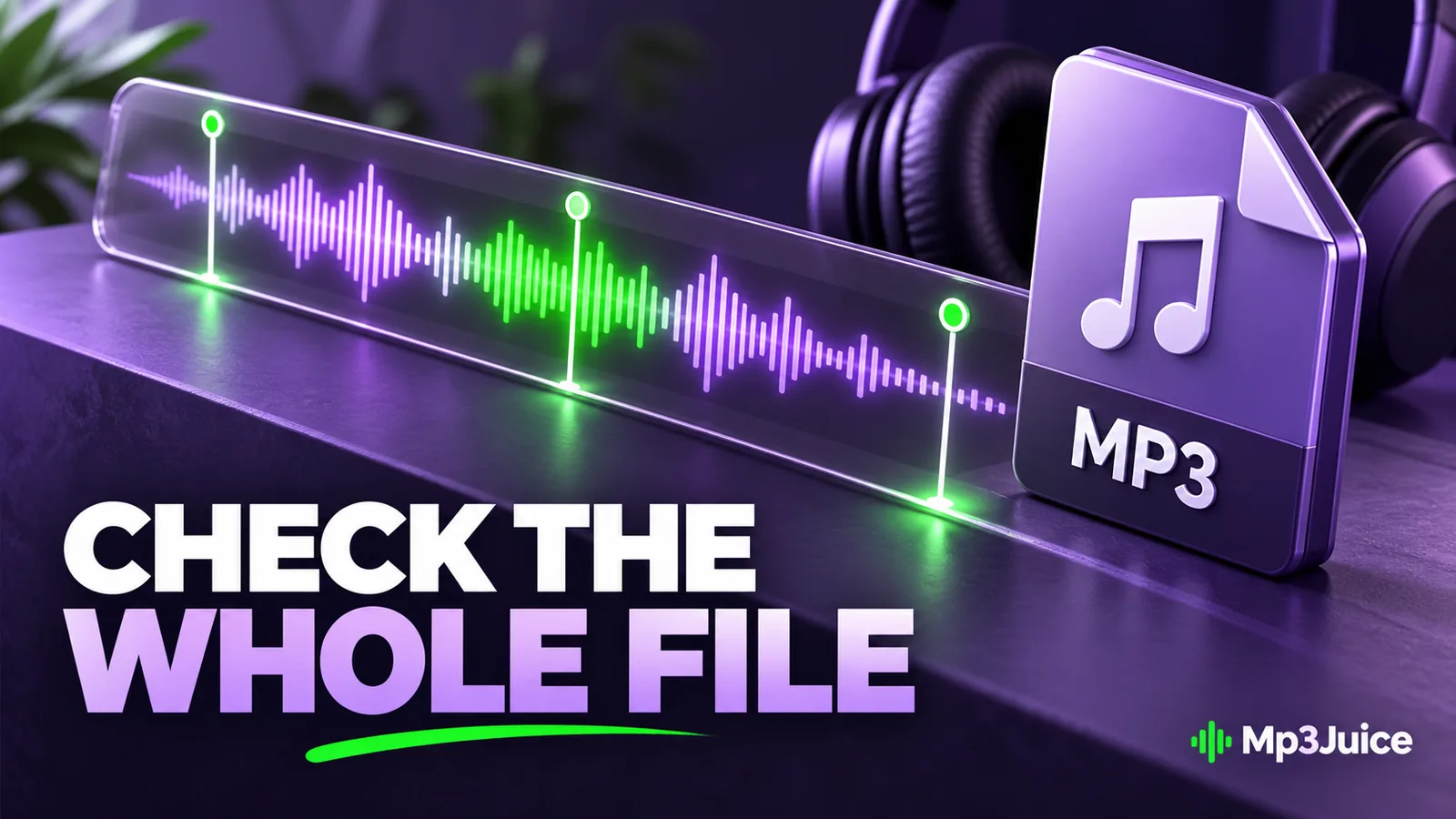
Play a section near the start, another in the middle, and a section near the end. Seek deliberately rather than assuming the whole file exists because the opening plays. Incomplete MP3s can sometimes decode the data they contain and stop when the missing portion is reached.
Listen for an abrupt cutoff, repeated segment, unexpected silence, or a different ending from the intended recording. These observations can also come from the source itself, so compare the available source context before blaming the transfer.
For a personally important recording, full playback or a proper decoder validation can provide stronger assurance than spot checks. A technical validation can identify decoding errors, but it still cannot prove that the correct performance was selected or that the source was complete before encoding.
Use size as a plausibility check
For constant bitrate, duration and rate give an approximate expected audio size. The MP3 file size guide explains the calculation and the differences between decimal MB and binary MiB.
A one-hour recording represented by a tiny file is suspicious. A modest mismatch is less conclusive because metadata, artwork, variable bitrate, and rounding affect the total. Do not delete a file solely because its size differs slightly from an estimate.
Checksums are useful when you have a trusted reference or are verifying a copy. Matching checksums show that two byte sequences match. Without a known complete reference, a checksum merely identifies the file you have; it does not certify that the original download was complete.
Keep metadata separate from integrity
Missing cover art or an “Unknown artist” label does not necessarily indicate incomplete audio. Those details may simply be absent from the tags. The MP3 metadata guide explains how a file can play correctly while its library information remains poor.
Similarly, a complete tag block does not prove that all audio frames are present. A player can display the expected title and artwork before reaching the missing end of a damaged file. Treat the visual library entry and the decoded audio as separate evidence.
When checking a recording from Mp3Juice, confirm the selected result and available format before accepting the local copy. A completed transfer of the wrong version is still the wrong file for your purpose.
Accept the file into a stable library
Once the checks pass, move the file into its intended folder, open it from that location, and verify any playlist reference. Keep important audio in a backup that you can restore.
Record any unresolved limitation, such as uncertain source duration or an unusual player display. This prevents a later cleanup from treating an uncertain copy as a verified original.
A useful completion check combines transfer status, actual format, duration, and playback. It gives you a concrete reason to trust the saved copy while leaving separate questions about source quality, permissions, and recording identity to their own checks.