How MP3 Tags Keep a Music Library Organized
Understand ID3 tags, filenames, album artists, and track numbers, then make a small, reversible metadata cleanup that works across players.
At a glance
Tags store information such as title, artist, album, and track number inside the file. Players may organize music from these fields rather than from folder names. Consistent tags improve browsing, while careful edits and backups protect the audio and the versions you want to keep.
In this guide
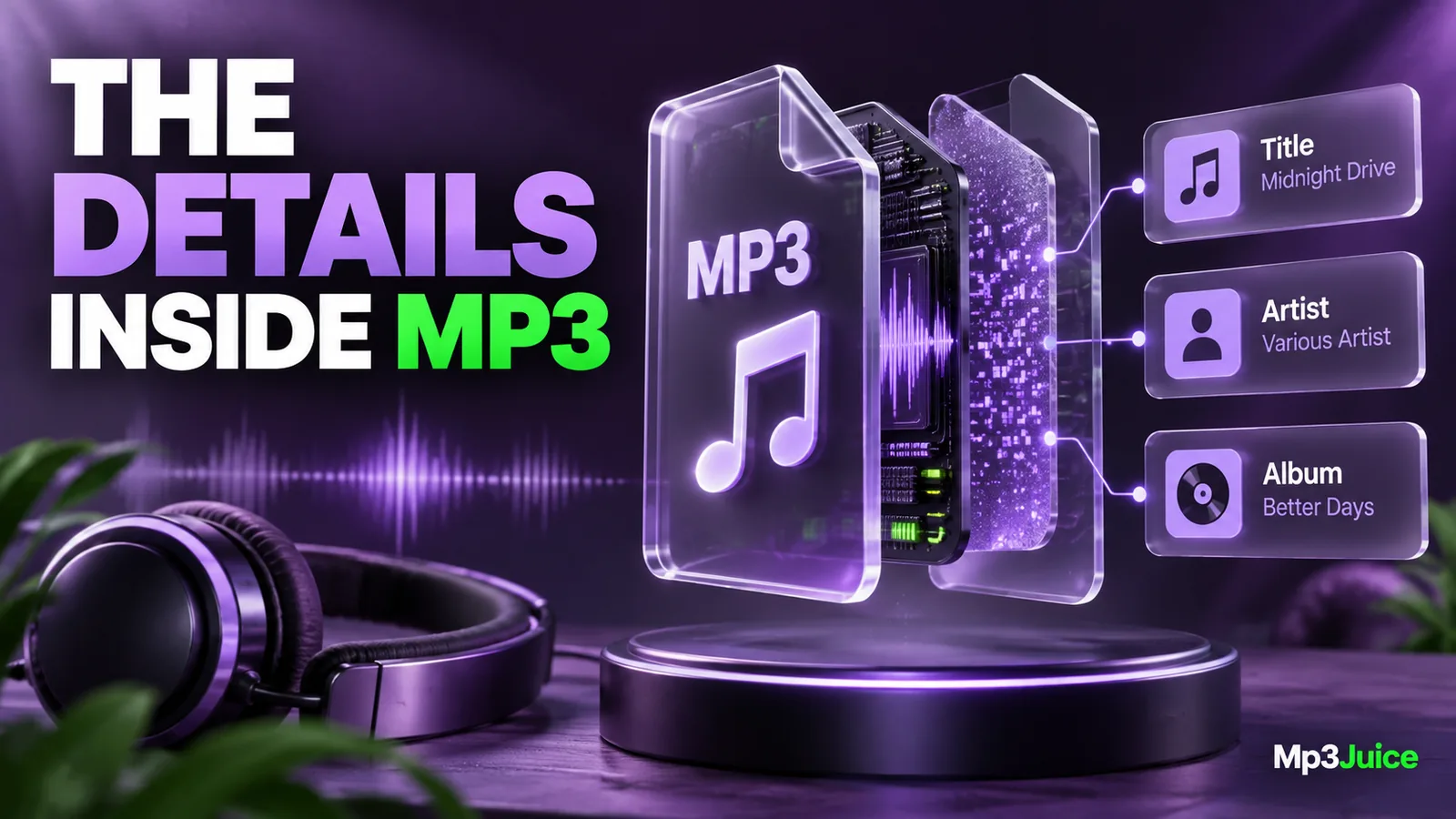
MP3 tags are descriptive information stored with the audio, commonly using ID3 metadata. They can tell a player the title, artist, album, track number, and artwork. A filename identifies the file in a folder, while tags often determine how it appears in a music library.
When those layers disagree, the same recording can look like two different items. Correcting a small set of core tags usually improves organization more than repeatedly renaming files without checking their contents.
Start with the fields that do useful work
Title identifies the track. Artist identifies the performer or credited track artist. Album groups recordings into a release. Track number establishes order within that release. Album artist can help keep an album together when individual tracks have different featured performers.
Disc number is useful for releases spanning multiple discs or parts. Genre and date can help your own browsing, but they should be applied consistently and without inventing information. Leave uncertain details unresolved rather than filling them with guesses that later appear authoritative.
For personal recordings, meaningful project names and recording dates can be more useful than forcing everything into a commercial album structure. The folder organization guide explains how tags and paths can support different kinds of collections.
Understand why filenames are not enough
Suppose a file is named 04 River Session.mp3 but its title tag says “Track 4.” A player that reads tags will show “Track 4,” while a basic file browser shows the more descriptive filename. Renaming the file again does not necessarily change the player's display.
The reverse can happen too. A file with a short or technical name can display a complete title and artist from its tags. Both layers are legitimate, but a portable library benefits when they remain understandable together.
Some applications keep a separate database or cache. After editing tags, you may need to refresh or reimport the track using the application's supported controls. Confirm that you edited the file the player actually uses, especially if it copied imports into a managed media folder.
Make a small, reversible edit
Copy a few representative files to a test folder or ensure they are backed up. Open them in a trusted tag editor and inspect the current values. Change one track's title or artist, save, and reopen it to confirm the change persisted.
Then inspect the result in your usual player and another destination that matters. Different players can interpret tag versions and fields differently. An older car stereo may display less information than a desktop library.
The car USB guide explains why device requirements should shape a delivery copy rather than force changes to every original. Keep a separate compatible version if a limited player needs simplified metadata.
Use batch editing with a precise selection
Shared album fields can be edited across a selected group, but track titles and numbers usually differ. Confirm the selection before saving and understand how the editor represents mixed values. A blank or mixed field should not be overwritten unintentionally across many files.
For an album, first establish the correct shared artist or album artist, album name, and disc information. Then verify each track title and sequence. Only after the tags are reliable should you generate filenames or directories from them.
Keep alternate versions distinct. Add accurate live, remix, or edit information where it belongs, rather than erasing it to make the library look uniform. The duplicate-file guide explains how version information prevents accidental loss during cleanup.
Artwork is metadata too
An MP3 can carry embedded cover art, but a player may also use a folder image or its own online cache. Changing a cover in one application does not guarantee that another player will display it.
Read how album artwork travels with MP3 files before making large cover changes. Oversized images can add storage when repeated across tracks, while removing all covers can reduce usability without affecting the audio itself.
Ordinary tag edits generally do not require decoding and re-encoding the audio. Use an appropriate metadata editor rather than exporting the recording from an audio editor just to change the artist field. Still keep a backup, because a mistaken batch edit can damage organization even when the sound remains intact.
Keep playlists in mind
Playlists may depend on paths rather than tags. Correcting a title tag may improve the displayed name without changing the playlist location. Renaming or moving the file can break the reference even though the metadata becomes more accurate.
The M3U playlist guide explains why path updates and tag updates solve different problems. After a substantial cleanup, test a few playlists from the destination device rather than assuming the library display proves every reference is valid.
When adding a file from the Mp3Juice homepage, verify the recording and then inspect its metadata. Search-result titles can contain upload labels or version details that do not translate neatly into a personal library. Correct only what you can identify confidently.
Keep a consistent editing order
Identify the recording, preserve the source, correct shared fields, verify track-specific fields, and then consider filenames and folders. Finally, refresh the player and test the result. This order avoids using inaccurate tags as the basis for a large rename.
A well-tagged library remains understandable when you change players or transfer files. The goal is accurate information that travels with the audio, supported by readable paths, rather than a display that only works inside one application's private database.