How to Back Up a Personal MP3 Library
Plan a recoverable copy of audio, tags, artwork, and playlists, then test a restore so sync or a library database is not your only safeguard.
At a glance
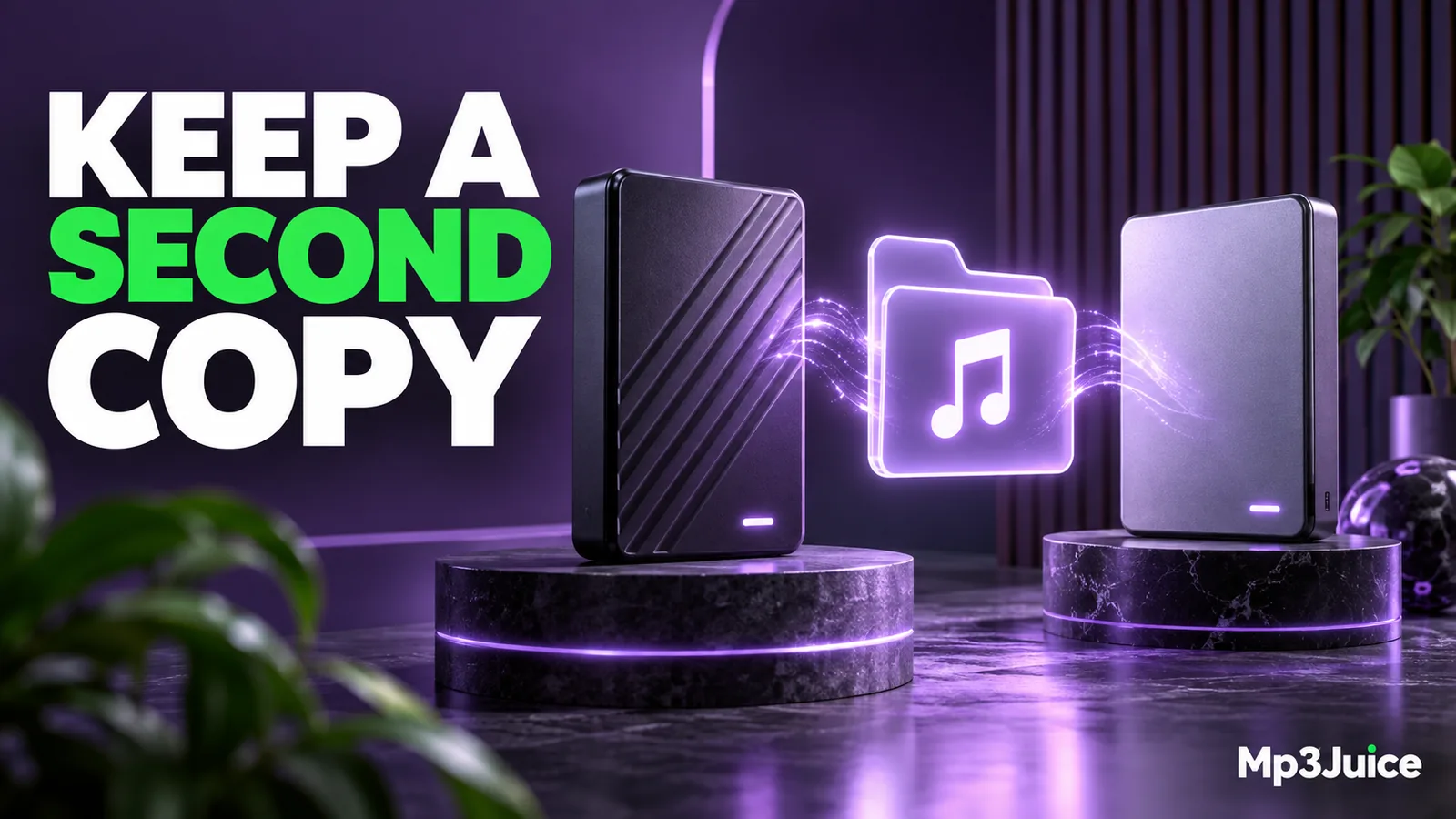
A useful music backup protects both the recordings and the organization you rely on. Keep an independent copy, include playlists and artwork where needed, and test a restore. Synchronization is convenient, but it can also carry accidental deletions into another location.
In this guide
A useful MP3 backup preserves the actual audio files and can restore them to a separate location. A playlist, a player database, or a synchronized library view may help organize music, but none automatically guarantees that the recordings themselves are recoverable.
Begin by identifying the copy you consider authoritative. Then preserve it in an independent location and test a restore. The test is what turns a backup plan from an assumption into something you have verified.
Find the real source folders
Inspect where your music application reads its files. It may reference a folder you manage or copy imports into a private media directory. A Downloads copy can be redundant, or it can still be the only file the player uses.
Check a few representative tracks through the player's file-location information. Include personal recordings, imported albums, and files stored on external drives. A library can reference several locations even when its interface presents everything as one collection.
The folder organization guide helps establish a clear structure. Before reorganizing for backup, preserve the existing arrangement so a mistaken move does not break the working library.
Decide what needs to be included
Back up the audio files first. Include separate cover images, playlists, project notes, and other information that you would need to rebuild the collection. If your application stores ratings, play counts, or custom organization only in its database, preserve that database using the application's supported method as well.
Embedded MP3 tags travel with a complete file copy, but application-only information may not. Do not assume a new player can reconstruct every library detail from the audio files alone.
If you keep better source recordings alongside portable MP3 copies, prioritize preserving those sources. A portable encode can often be recreated from a retained original, while the reverse cannot recover information lost during encoding.
Keep a copy independent of ordinary sync
Synchronization makes locations agree. That can be convenient, but it may also propagate an accidental deletion or unwanted edit. A backup should provide a recovery path that does not immediately lose the same material when the active library changes.
An external drive, a backup system with version history, or another appropriate storage location can contribute to that separation. The exact arrangement depends on how important the recordings are and what failures you need to recover from.
If a backup drive is always connected and writable, consider what happens during accidental deletion or device failure. If a cloud service is involved, understand retention, account access, and whether the original bytes are actually stored. Do not rely only on a familiar logo or a “synced” label.
Verify the copy before trusting it
Check the number of files and total size as an initial sanity check. Then open selected recordings from the backup itself, not from the original library. Test a long file, a recently added file, and a track with artwork or unusual metadata.
For stronger copy verification, compare checksums between source and backup files. Matching checksums establish byte equality for those copies. They do not prove that the source recording was complete or correct before it was backed up.
Use the download completeness guide for newly acquired files before adding them to the trusted archive. A perfect backup of an incomplete file faithfully preserves the same incomplete data.
Test a restore into a new location
Choose a small album or project and restore it into a separate test folder. Confirm that the files open, their tags remain correct, and any external artwork is present. This tests your ability to retrieve data rather than merely copy it outward.
Open an included playlist and inspect its references. Relative paths can survive a folder-level restore more easily when the structure remains intact. The M3U playlist guide explains why a playlist can fail even when all the recordings have been recovered somewhere else.
Record the restore date and what you tested. A short note is sufficient. If the backup requires a password, special application, or account recovery method, make sure you can obtain it through your normal secure process when the original computer is unavailable.
Keep backups current without spreading mistakes
Choose an update routine that matches how often the library changes. A collection with frequent personal recordings needs more frequent attention than an archive that rarely changes. Verify recent additions and keep recovery versions when important metadata edits or reorganizations occur.
Before a large cleanup, create a recoverable snapshot or copy. The storage cleanup guide explains why removing local files should follow verification, not precede it. A backup taken after an accidental deletion may no longer contain the missing item unless earlier versions are retained.
When adding media from Mp3Juice, verify the completed file and your right to retain it, then place it in the intended library location. Include accepted recordings in the next backup cycle instead of assuming a temporary download link will remain available.
Keep the recovery goal clear
Imagine rebuilding on a different computer. You should be able to identify the audio, understand the folder structure, recover important metadata, and open the playlists or recreate them. This thought experiment reveals gaps that a simple storage-total check can miss.
A reliable music backup is not defined by how many copies appear on a screen. It is defined by whether an independent, verified copy can restore the recordings and organization you care about. Test that outcome while the original library is still available.