MP3 vs M4A and AAC for a Personal Music Library
Learn why M4A and AAC are different kinds of labels, how they compare with MP3, and when compatibility matters more than the file extension.
At a glance
MP3 and AAC describe audio coding formats, while M4A is a container that may hold different kinds of audio. Compatibility depends on what is inside the file as well as the app opening it. Keep a playable source instead of converting merely to change an extension.
In this guide
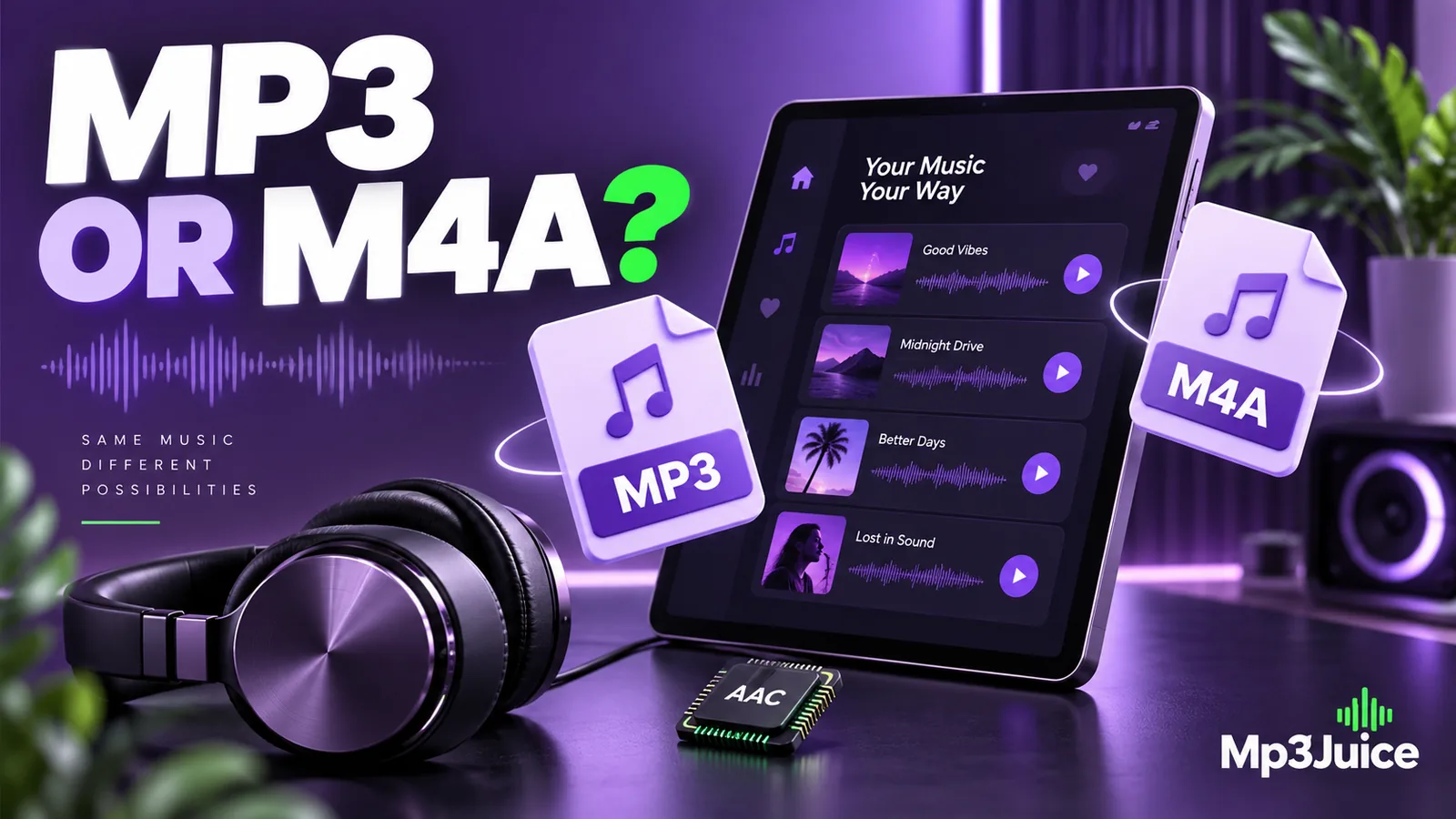
MP3 is an audio coding format commonly stored in .mp3 files. M4A is a filename extension generally used for audio in an MPEG-4 container. AAC is a codec that can be stored inside that container. Comparing “MP3 versus M4A” therefore mixes a codec name with a container label.
For a personal library, the practical questions are simpler. What audio is actually inside the file? Will your devices play it? Do you need to change anything? A working file rarely needs conversion solely because another extension looks more familiar.
M4A does not always mean AAC
Many M4A files contain AAC audio, which uses lossy compression. Others contain Apple Lossless audio, also called ALAC. The same extension can therefore appear on files with different compression methods and storage requirements.
An information panel that identifies the codec is more useful than the filename alone. If it says AAC, you are looking at a compressed audio representation that is generally lossy. If it says ALAC, the audio coding is lossless. That distinction matters when preserving originals or estimating storage.
MP3 has a more direct association between its common extension and its codec, but you should still inspect suspicious files. Renaming a webpage or an AAC file with an .mp3 ending does not change its contents. The broader MP3 and MP4 explanation describes the container relationship from another angle.
Compare quality with the same source
Different codecs use different methods to represent sound. The same numerical bitrate is not a universal quality grade across MP3 and AAC. A comparison needs the same source, sensible encoder settings, matched playback volume, and an appropriate listening passage.
It is reasonable to compare the size and sound of two copies made from a recording you own. It is not reasonable to conclude that every M4A sounds better than every MP3 because two unrelated downloads differ. They may come from different masters or earlier compression histories.
An M4A containing ALAC preserves the samples encoded into it, but that still does not prove it came from an untouched original. A lossy file can be decoded and saved in a lossless format. The new container preserves the decoded result, including the earlier limitations.
Device support can decide the choice
Current phones and desktop applications commonly handle MP3 and AAC, but support depends on the application, operating system, and actual container. An older car stereo or dedicated player may have narrower requirements. Use its documentation and a small test file rather than general assumptions.
If your devices all play an existing M4A correctly, converting it to MP3 might only add another lossy stage. If one essential device accepts only MP3, creating a separate compatible copy can be practical. Keep the source so the compatibility copy does not become the only version available.
For an iPhone, getting a file into the desired library can be a separate issue from codec support. A file in Files is not automatically a track in the Music application. See adding your own audio to an iPhone Music library before treating a library-import problem as a format problem.
Conversion is a delivery decision
Converting AAC to MP3 normally involves decoding and re-encoding. Both formats can be lossy, so another encode can add quality loss. Raising the output bitrate does not retrieve details already absent from the AAC source.
When you have the original recording, make the MP3 directly from that original. When you only have an existing compressed file, convert once if compatibility requires it and retain the input. Our guide to what MP3 conversion changes separates useful delivery work from ineffective attempts to improve quality.
Avoid changing the extension as a substitute for conversion. A player that inspects the actual contents may still recognize the original format, while another may reject the mismatch. That inconsistency makes troubleshooting more difficult and can hide what your library actually contains.
Keep metadata and versions understandable
Both file families can carry descriptive metadata, but applications do not always interpret every field the same way. After importing a test file, inspect its artist, album, track number, artwork, and displayed title. Correct the metadata before applying a large batch operation.
If you retain an original and a portable copy, separate them by folder or a clear naming convention. Two files with the same displayed song title can be intentional versions rather than accidental duplicates. Record which one belongs on a restricted device and which one is the retained source.
When a browser-based MP3 download is what you need, select the available MP3 option for the chosen result and verify the saved file. Do not assume that any alternative offered by another source has a particular codec merely because its filename ends in M4A.
Make one representative test
Choose a recording with known rights and a familiar passage. Open the file information to identify the codec, then test it in each device or application that matters. Check seeking, the ending, and the library display as well as the first few seconds of playback.
If one player fails while the others succeed, use the MP3 playback diagnosis as a model for separating file integrity, extension mismatch, and application support. A failure in one place does not establish that the whole format is unsuitable.
MP3 can be an effective common delivery choice. M4A can be equally convenient in a compatible library, but its contents need to be identified. Preserve useful originals, convert for a clear requirement, and let actual playback needs guide the decision.