What Converting Audio to MP3 Can and Cannot Do
Understand conversion, extraction, and renaming, then plan a single MP3 export that preserves the best available source and useful metadata.
At a glance
Converting a file changes its representation and may introduce another generation of compression. A bigger output file does not necessarily sound better. Work from the best available source, convert only for a clear compatibility need, and check the result before replacing anything.
In this guide
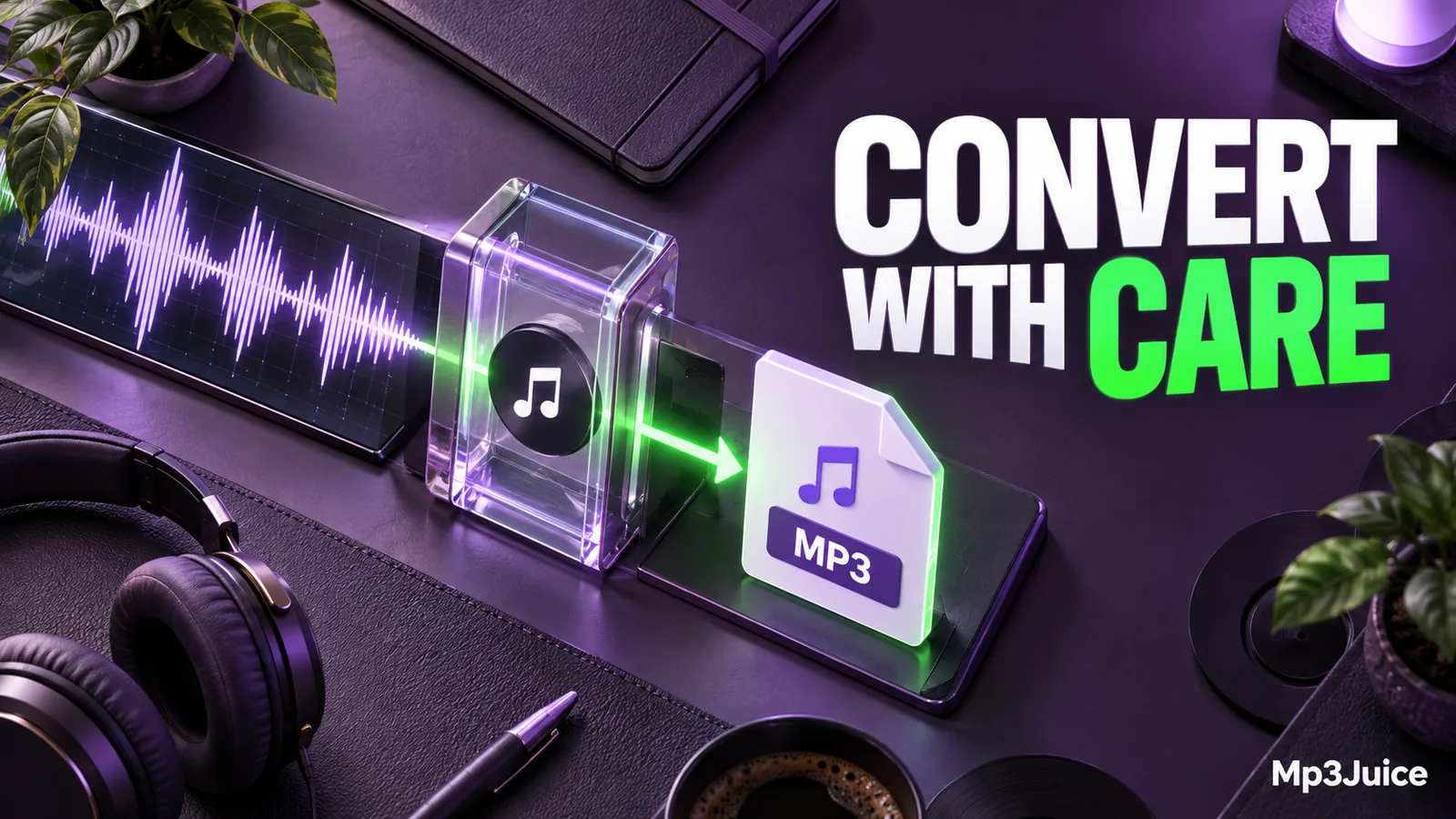
Converting audio to MP3 can make a recording easier to play on a particular device or reduce the storage needed for a listening copy. It cannot recreate details that were never recorded or that an earlier lossy encode removed. A conversion changes how the available signal is represented.
Before converting, state the problem you want to solve. “My player accepts MP3 but not this format” is a clear reason. “A larger bitrate must improve it” is not a reliable one. A specific purpose makes the settings and the final check much easier to choose.
Three operations that are often confused
Copying duplicates a file without changing its audio representation. Renaming changes its name in a folder. Converting decodes or otherwise processes the media and writes a different representation. These operations can look similar in a file manager but have different consequences.
An additional operation, stream copying, transfers an already encoded stream into a compatible output without re-encoding it. Whether that is possible depends on the codec and container involved. Extracting audio from video does not always require another audio encode, but producing MP3 from a different audio codec generally does.
The MP3 versus MP4 guide explains the container distinction. If you merely replace .m4a or .mp4 with .mp3 in a filename, the contents remain unchanged. Some applications inspect the data and tolerate the mismatch, while others reject it.
Begin with the best available source
For a recording you create, keep the original or a suitable lossless master. Complete your substantial editing from that version and create a portable MP3 afterward. This gives the encoder the best available input and avoids unnecessary lossy stages.
If you only have an MP3, decoding it into WAV does not restore an original PCM recording. It produces PCM representing the decoded MP3. That can be a useful working file for editing, but its history remains important.
Likewise, converting a poor MP3 to 320 kbps may increase size without improving fidelity. Read why a high-bitrate file can still sound bad before treating output numbers as a repair method. The retained source is more valuable than a succession of larger converted copies.
Choose settings around the destination
Check the target device's supported format, sample rates, and channel layouts. If it has a specific MP3 requirement, satisfy that requirement with a separate delivery copy. Do not change your entire archive to match one older player.
Keep the source sample rate when it is suitable and supported, unless your workflow requires resampling. Changing a rate should be intentional. Our explanation of sample rate and bitrate shows why the two controls solve different problems.
Use stereo when the recording contains useful left-right information. Mono can suit a genuinely single-channel voice recording, but mixing a stereo source down to mono can alter the sound. Listen for missing or weakened elements before accepting the result.
Choose an appropriate MP3 quality setting, then test. If size is a constraint, compare a short representative passage at two settings rather than repeatedly converting the entire recording. Each experiment should start from the retained source.
Watch duration, boundaries, and metadata
Some conversions preserve tags, while others create a new file with only a basic title or no metadata. Inspect artist, album, track number, and artwork after exporting. The MP3 metadata guide explains why a correct filename does not guarantee a correct player display.
Check the beginning and ending as well as the middle. An incorrectly selected export range can omit part of a recording. A truncated download can also become a perfectly playable conversion of an incomplete source. Successful export is not proof that the input was complete.
MP3 encoding can involve delay and padding. Compatible players can use information that helps manage these boundaries, but behavior varies. If precise loops, synchronized editing, or seamless boundaries are essential, keep an appropriate working format rather than relying only on MP3 delivery files.
Browser conversion has the same limits
A browser-based MP3 tool can offer a convenient delivery workflow for available media, but it does not change the underlying limits of lossy encoding. The offered output cannot guarantee the quality or history of the source.
Review the result and only save media you are entitled to download. Check the finished file locally, including its actual format and duration. If preparation fails before a download begins, changing a file extension on your computer will not address the server-side step.
Do not assume the browser has saved a local copy merely because it plays a preview. A preview, prepared file, completed transfer, and library import are separate stages. Verify the final stage that matters for your use.
Keep conversion reversible
Use a new filename or destination folder for the output. Keep the original until the new file has been tested in its intended player and included in a backup. Record the conversion settings if you expect to repeat the workflow.
For example, a personal lecture might have a retained source, an edited working copy, and a compact MP3 for a portable player. Label those roles clearly. If a later export sounds wrong, you can return to the source instead of processing the portable copy again.
Conversion succeeds when it produces the compatible, complete, useful file you intended. It does not need to manufacture an improvement that the source cannot support. One deliberate export and a careful playback check are usually more valuable than a chain of speculative conversions.