MP3, WAV, and FLAC Compared for Everyday Listening
Choose between MP3, WAV, and FLAC for portable listening, editing, and keeping an original copy, without confusing size with sound quality.
At a glance
MP3 is useful for compact listening copies, while lossless FLAC and uncompressed PCM WAV can preserve an original for storage or editing. Compare actual encoding and device support, not just filename extensions. Turning an MP3 into a larger format cannot restore discarded detail.
In this guide
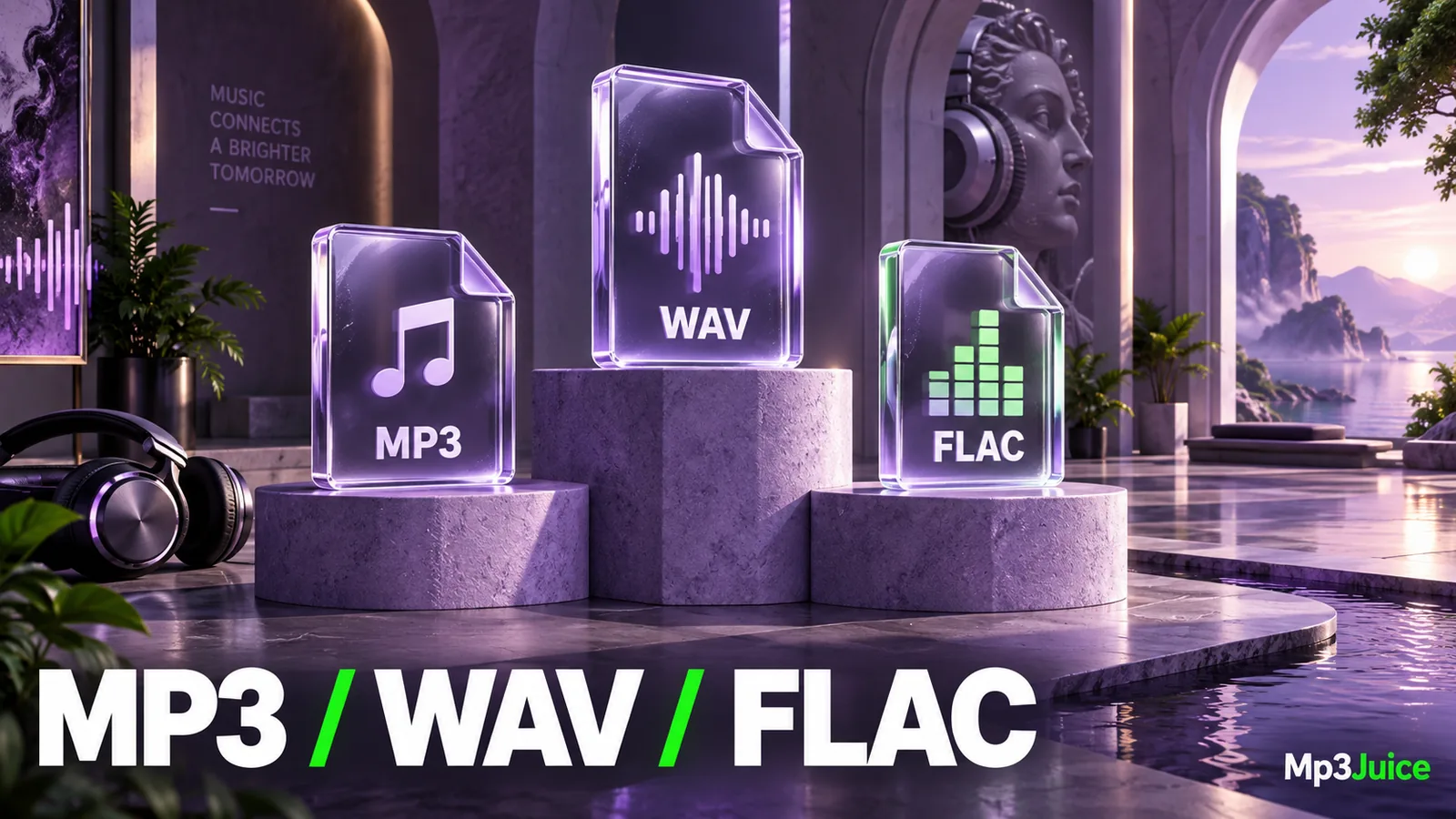
MP3 is useful for compact, widely playable listening copies. WAV commonly stores uncompressed PCM audio and is often practical for editing. FLAC compresses audio losslessly, making it useful when you want to retain the source samples with less storage than an equivalent uncompressed representation.
The right choice depends on what you will do with the recording. A file for an older portable player, a recording you will edit next week, and a long-term original do not necessarily need the same format.
Compare the job before the extension
Start with three questions. Does the destination support the format? Will you edit the audio again? Is storage or transfer size a meaningful constraint? These questions are more useful than declaring one format best for everyone.
MP3 uses lossy encoding. It is designed to reduce data substantially while retaining an acceptable listening result. WAV is a container, most commonly encountered with uncompressed PCM audio, though the extension alone does not guarantee the codec inside. FLAC uses lossless compression, so decoding returns the encoded sample data exactly.
For a fuller explanation of the MP3 side, see what an MP3 file contains. Understanding a format's role also prevents confusion when two applications describe the same file differently.
Storage differences can be substantial
A four-minute stereo PCM recording at 44.1 kHz and 16 bits per sample contains about 42.34 MB of sample data before its small container overhead. A four-minute constant 192 kbps MP3 contains about 5.76 MB of audio data before tags and artwork.
Those numbers are calculated examples. They compare storage methods, not guaranteed listening differences. FLAC's size depends on how efficiently the particular signal compresses, so there is no single fixed percentage that applies to every recording.
Quiet or predictable material may compress differently from complex material. Embedded covers and metadata also affect final size. When planning a library, measure a representative set of your own files instead of assuming every track will have the same storage ratio.
Editing favors a retained original
If you will trim, mix, restore, or otherwise process a recording, keep a suitable uncompressed or lossless source. You can perform the work from that source and create an MP3 at the delivery stage. This avoids repeatedly decoding and re-encoding a lossy copy.
Converting an existing MP3 to WAV can be useful as an intermediate in an editing workflow, but it does not restore information lost when the MP3 was made. The WAV stores decoded audio, including any earlier compression effects. Similarly, converting MP3 to FLAC does not turn it into an original lossless recording.
The audio conversion guide explains why the direction of the file extension change is not a quality upgrade. Keep a note of the source's actual history when it matters, rather than letting a lossless output label imply an unverified provenance.
Playback support remains a practical limit
MP3 has broad support across phones, computers, and many older dedicated players. FLAC and PCM WAV are also widely supported in appropriate applications, but each device can impose requirements for codecs, sample rates, channels, storage media, or metadata.
Do not assume a car stereo or small portable player accepts every file your computer can open. Test one representative recording on the target device before converting a collection. Check the device's own documentation if playback fails.
M4A is another label you may encounter, especially in Apple-oriented libraries. It can contain different audio codecs and is not simply another spelling of MP3. The MP3, M4A, and AAC comparison covers that choice separately.
Can you hear the difference?
A well-made MP3 can be satisfactory for many listening situations. Whether you notice a difference from its source depends on the encoding, recording, playback system, and listener. Lossless storage guarantees preservation of samples; it does not guarantee that every person will hear an improvement in every comparison.
Use the same recording and match playback volume when testing. A different master, louder playback, or altered equalizer can dominate the comparison. Do not infer a codec advantage from two unrelated releases of the same song.
For a practical experiment, keep your original and export a short listening copy. Compare a busy section and a fading ending on the device you actually use. Your decision should reflect a repeatable observation and your intended use, not a file label alone.
A useful two-copy arrangement
For recordings you create or obtain with appropriate rights, retain a suitable original and create a portable version only when needed. For example, keep a lossless source in your main archive and an MP3 copy in a phone folder. Name or separate them clearly so a later cleanup does not discard the original accidentally.
A personal-library backup should include the actual audio, not just a music application's database. If you retain only the portable copy, you may not be able to recreate the original quality later.
When using Mp3Juice, choose from formats actually available for the selected result. Do not assume a browser tool supplies WAV or FLAC merely because those formats are useful elsewhere. The offered file can be a listening copy without becoming your archival source.
Choose MP3 for a compatible, compact delivery when its sound meets your needs. Choose an appropriate WAV or FLAC source when preservation and further editing matter. The strongest library arrangement makes the purpose of each copy obvious and keeps the best available source recoverable.