Devices and browsers
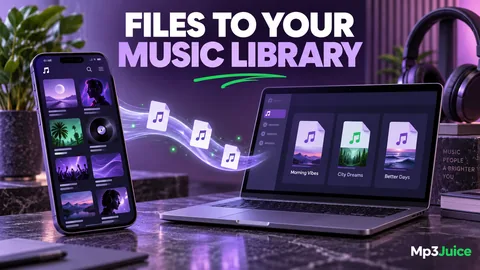
How to Add Your Own MP3 Files to the iPhone Music Library
Distinguish Files playback from a Music library, then choose an appropriate computer sync or library workflow for your own MP3 recordings.

From the first saved file to a well-kept music library. Make sense of sound, solve the small frustrations, and get back to listening.
Distinguish Files playback from a Music library, then choose an appropriate computer sync or library workflow for your own MP3 recordings.
Find Safari downloads in Files, check iCloud Drive and local storage, and confirm that an MP3 is available before you need it offline.
Reduce music storage carefully by checking duplicates, artwork, and local copies before considering another lossy conversion.
Estimate MP3 storage from duration and bitrate, compare MB with MiB, and account for variable bitrate and embedded artwork.
Understand channel modes, why joint stereo is not simply mono, and how to choose a sensible layout for music, interviews, and playback checks.
Understand peak level, perceived loudness, normalization, and ReplayGain before changing files to make a personal playlist more comfortable.
Trace sound problems through the recording, file, player, and output device using a controlled sequence that avoids unnecessary conversion.
Compare recordings at matched volume, choose revealing listening passages, and separate audible differences from expectations about file labels.
Understand conversion, extraction, and renaming, then plan a single MP3 export that preserves the best available source and useful metadata.